Author: Team Scribie
-
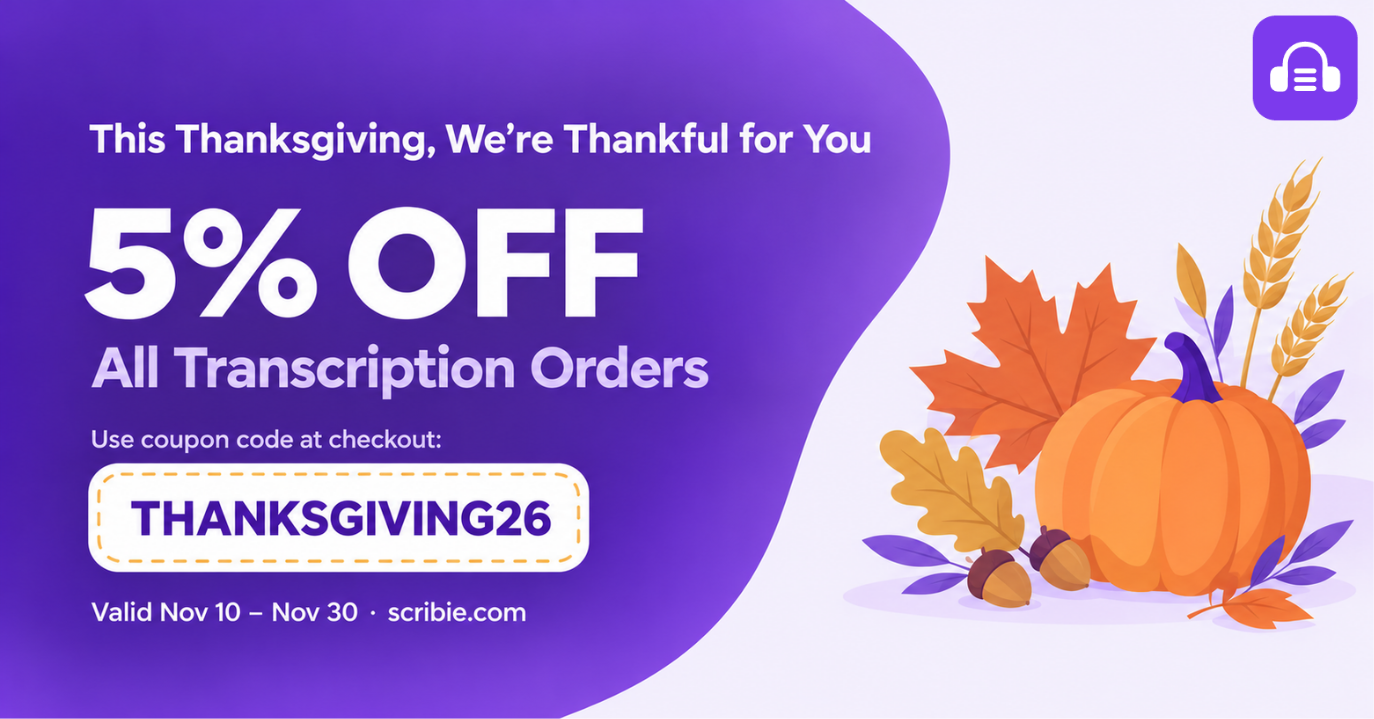
This Thanksgiving, We’re Thankful for You: Enjoy 5% Off
Thanksgiving is a time to reflect on what we are grateful for, and we are grateful for our customers’ continued trust in Scribie. To celebrate Thanksgiving, we are offering 5% off all Transcription orders placed at scribie.com from November 10 to November 30, 11:59 PM EST. To receive the discount, apply the coupon code below…
-
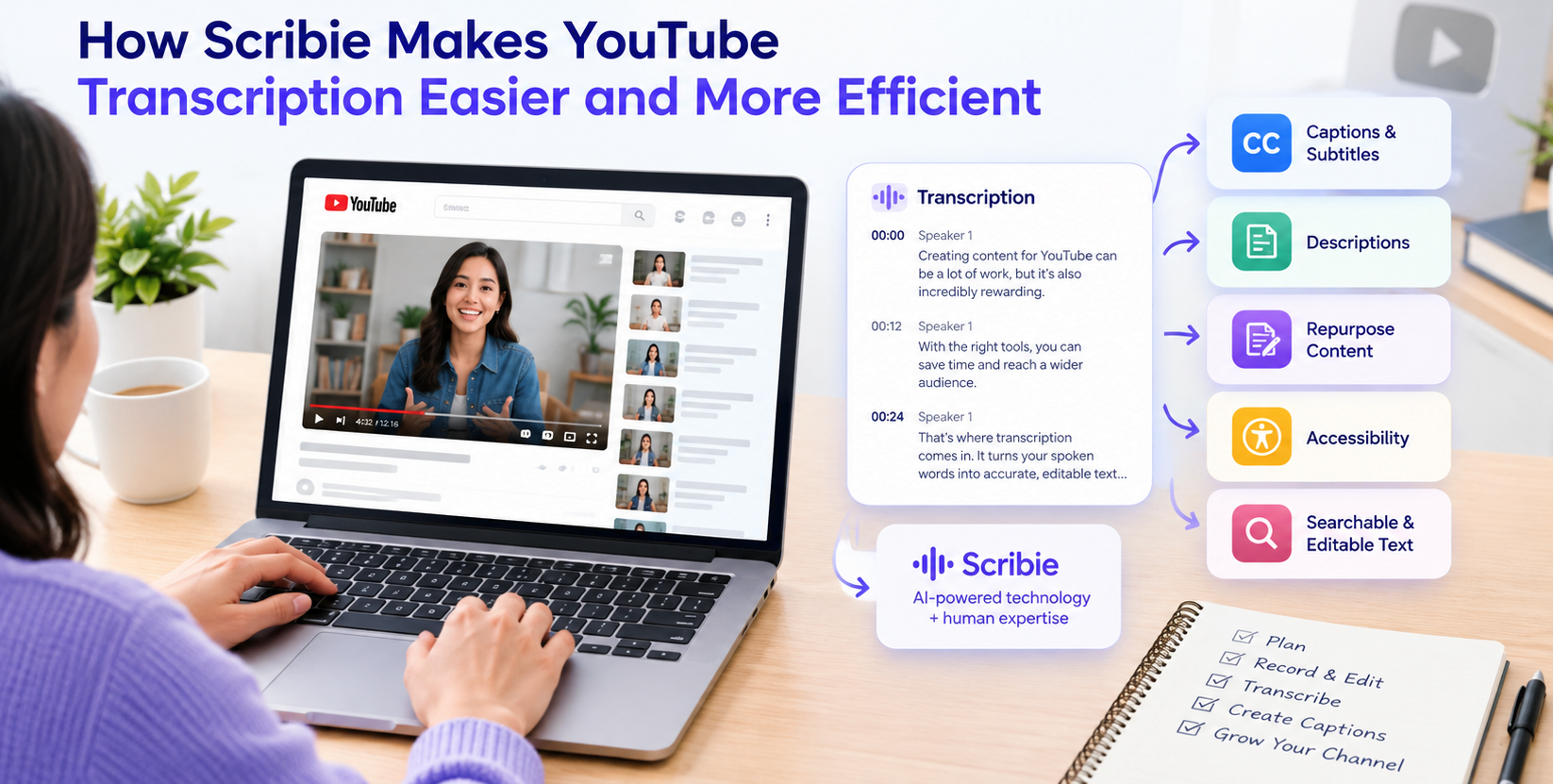
How Scribie Makes YouTube Transcription Easier and More Efficient
Creating videos for YouTube involves much more than recording and uploading. Creators need to plan their content, record and edit videos, write descriptions, create captions, and find ways to keep producing content consistently. Transcription can simplify some of this work. A transcript turns the spoken content of a video into searchable, editable text that can…
-
Human Verified Transcripts: The Standard AI Can’t Replace
AI speech recognition has improved quickly. Drafts arrive in minutes, and the first pass costs less than it used to. Not surprisingly, two very different groups now ask the same question. Customers ask whether an AI transcript can hold up in a deposition, a hearing or a compliance review. Meanwhile, the transcribers and quality checkers…
-
Export Your Scribie Transcripts Directly to Google Drive
Managing your transcripts is easier when you can save them directly to the tools you use every day. With Scribie’s Google Drive integration, you can export your completed transcripts directly to your Google Drive account, making it easier to organize, access, and manage your files. Whether you’re working with meeting notes, interviews, research recordings, or…
-
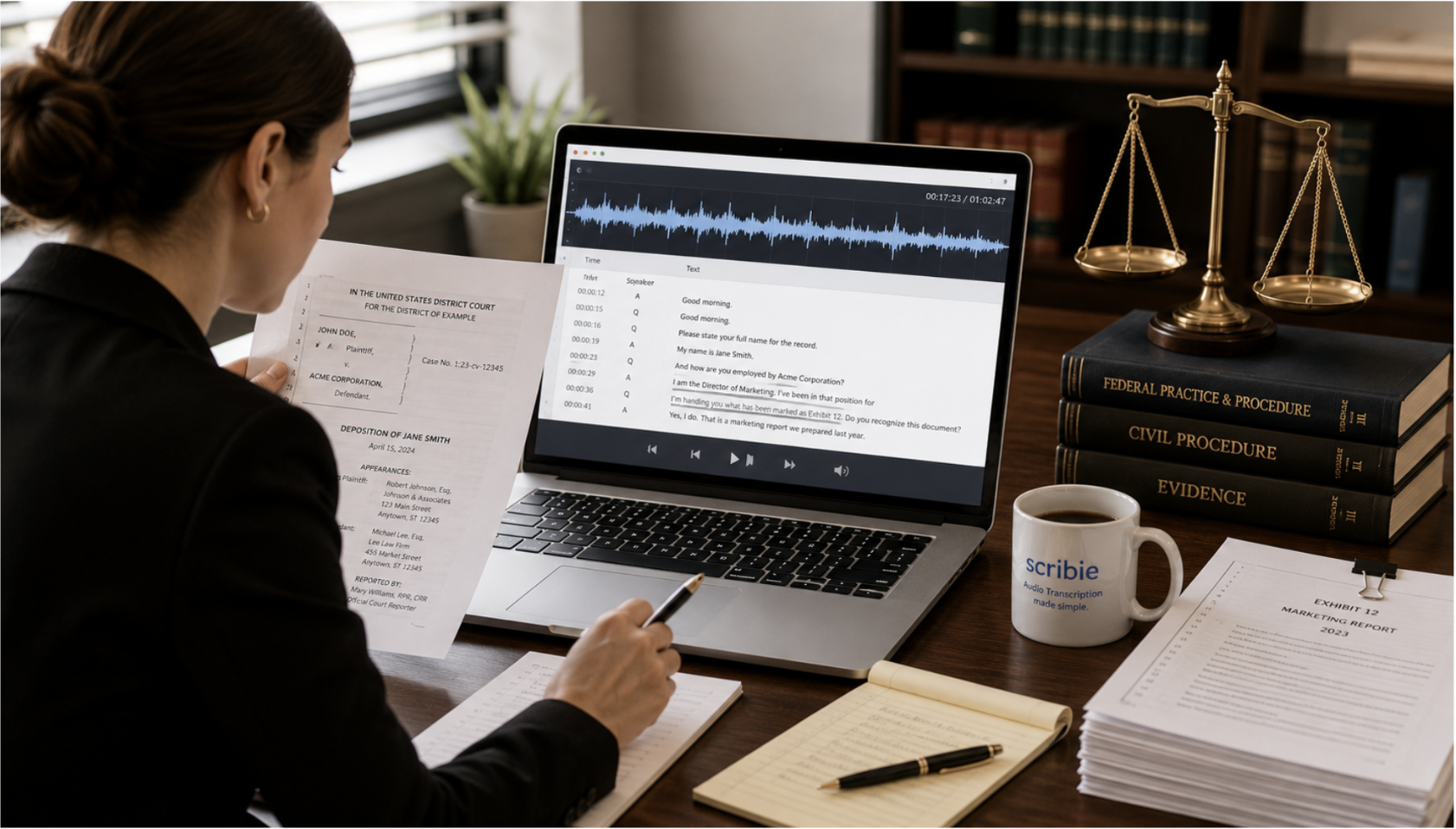
Legal Transcription Format: Common Use Cases and How to Get It Right
Legal professionals deal with a wide range of recorded proceedings, interviews, examinations, and other conversations that need to be converted into accurate, usable text. A reliable legal transcription service turns these recordings into organized documents, and the right legal transcription format makes them easier to review, search, share, and reference. But legal transcription is not…
-
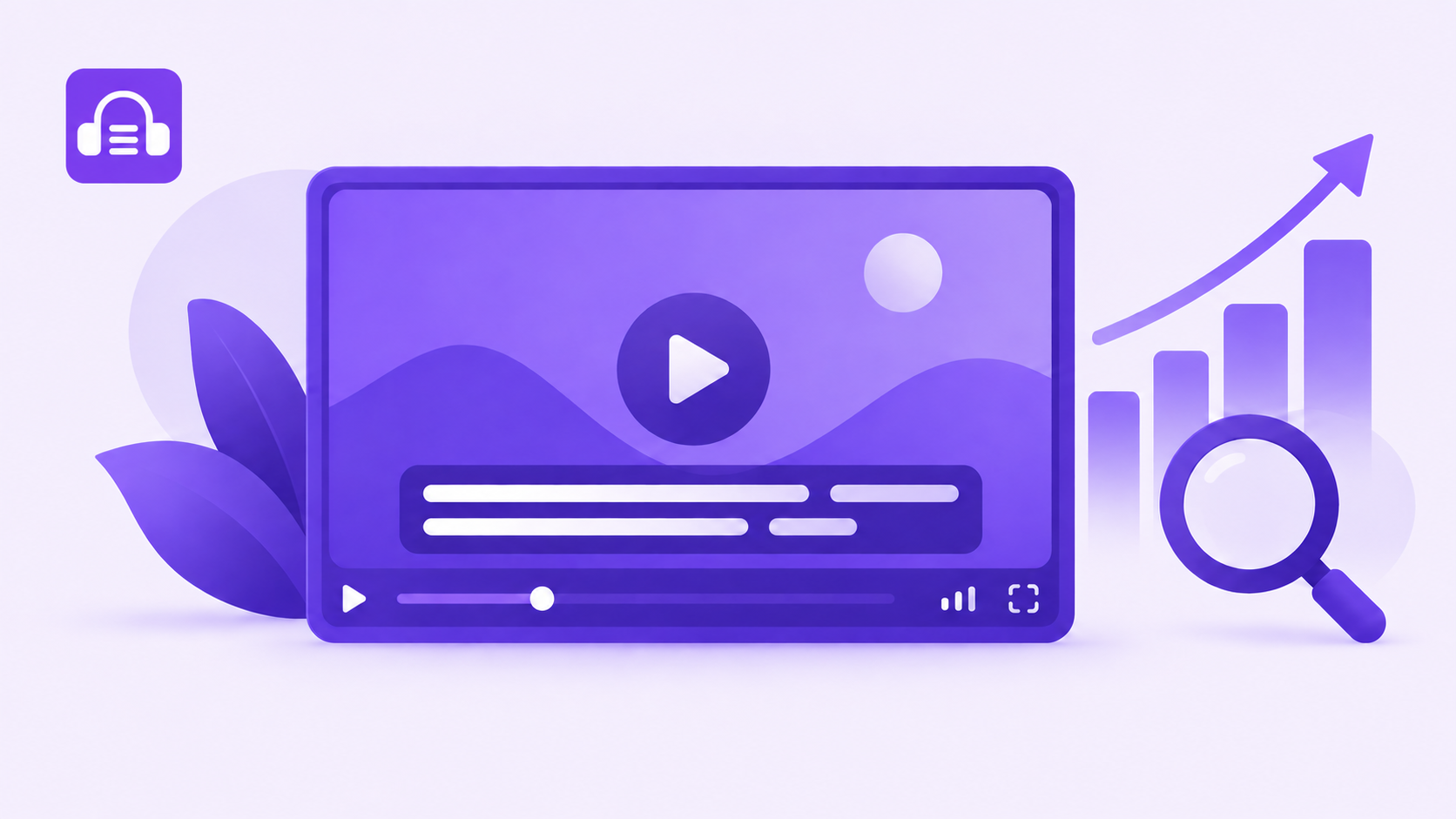
Video Captions Done Right: How the Right Files Grow Your Search Traffic
Most people add subtitles for accessibility, and that matters. But there’s a second payoff that quietly drives growth: search engines can’t watch your video, yet they can read every word of a caption file. Get your captions right and you hand Google a full, accurate transcript of your content to index, which helps the right…
-
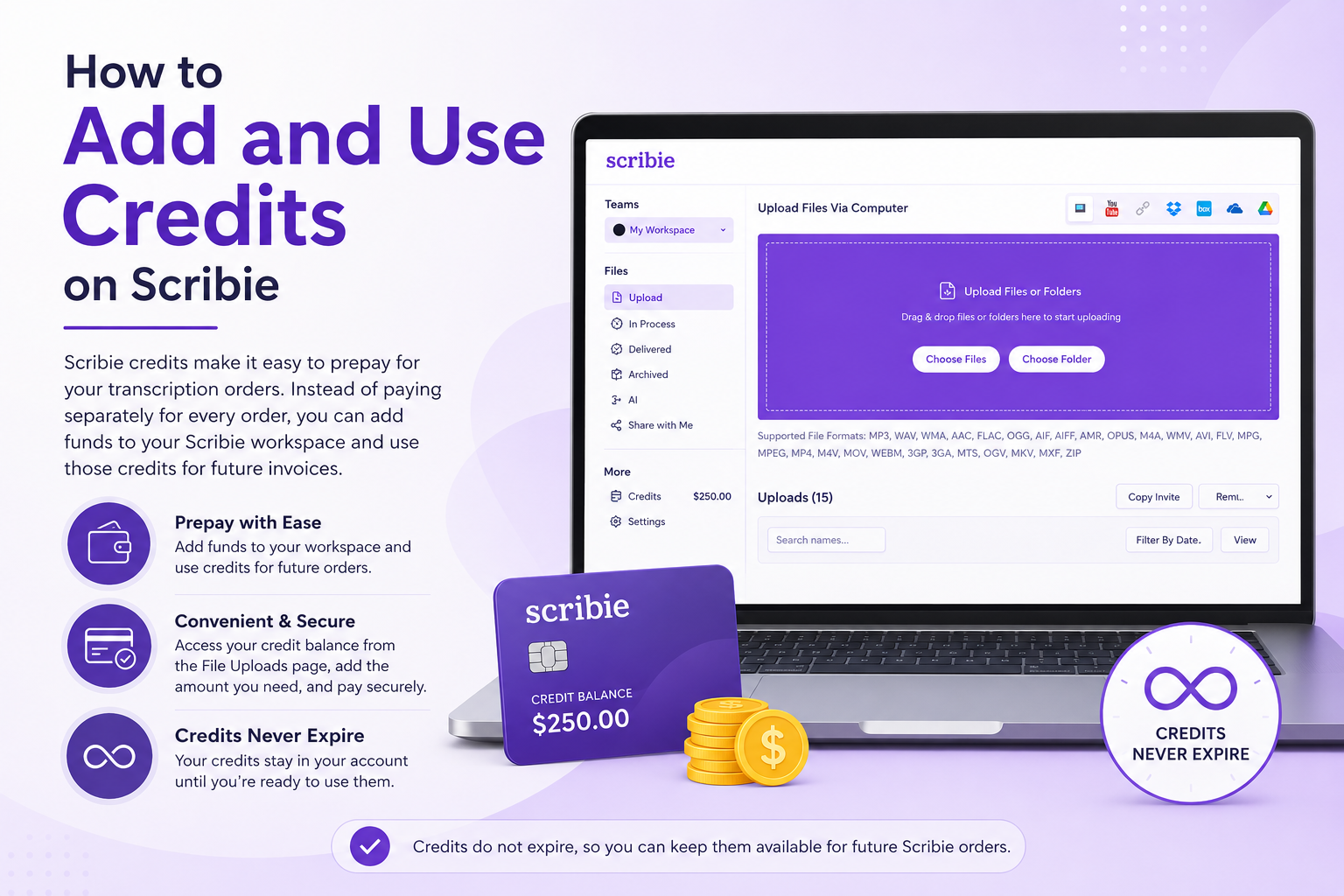
How to Add and Use Credits on Scribie
Scribie credits make it easy to prepay for your transcription orders. Instead of paying separately for every order, you can add funds to your Scribie workspace and use those credits for future invoices. Adding credits is now more convenient. You can access your credit balance directly from the File Uploads page, add the amount you…
-
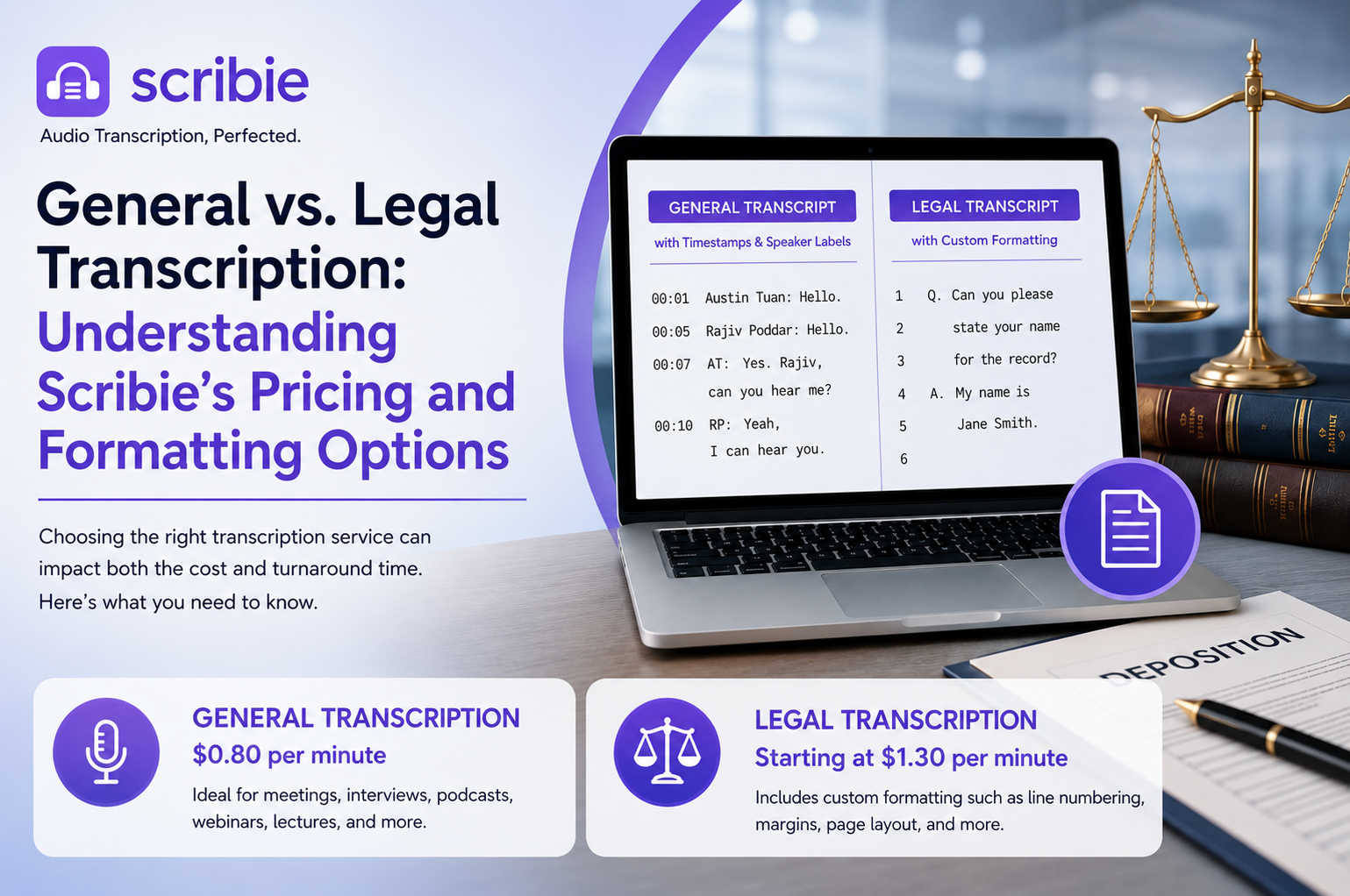
General Transcription vs. Legal Transcript Formatting: Scribie’s Pricing and Options
When ordering a transcription, it can sometimes be difficult to know which service you need. Do you simply need the recording converted into text, or do you need legal transcript formatting with line numbers and a specific layout? The answer can affect both the price and turnaround time. At Scribie, our transcription services generally fall…
-
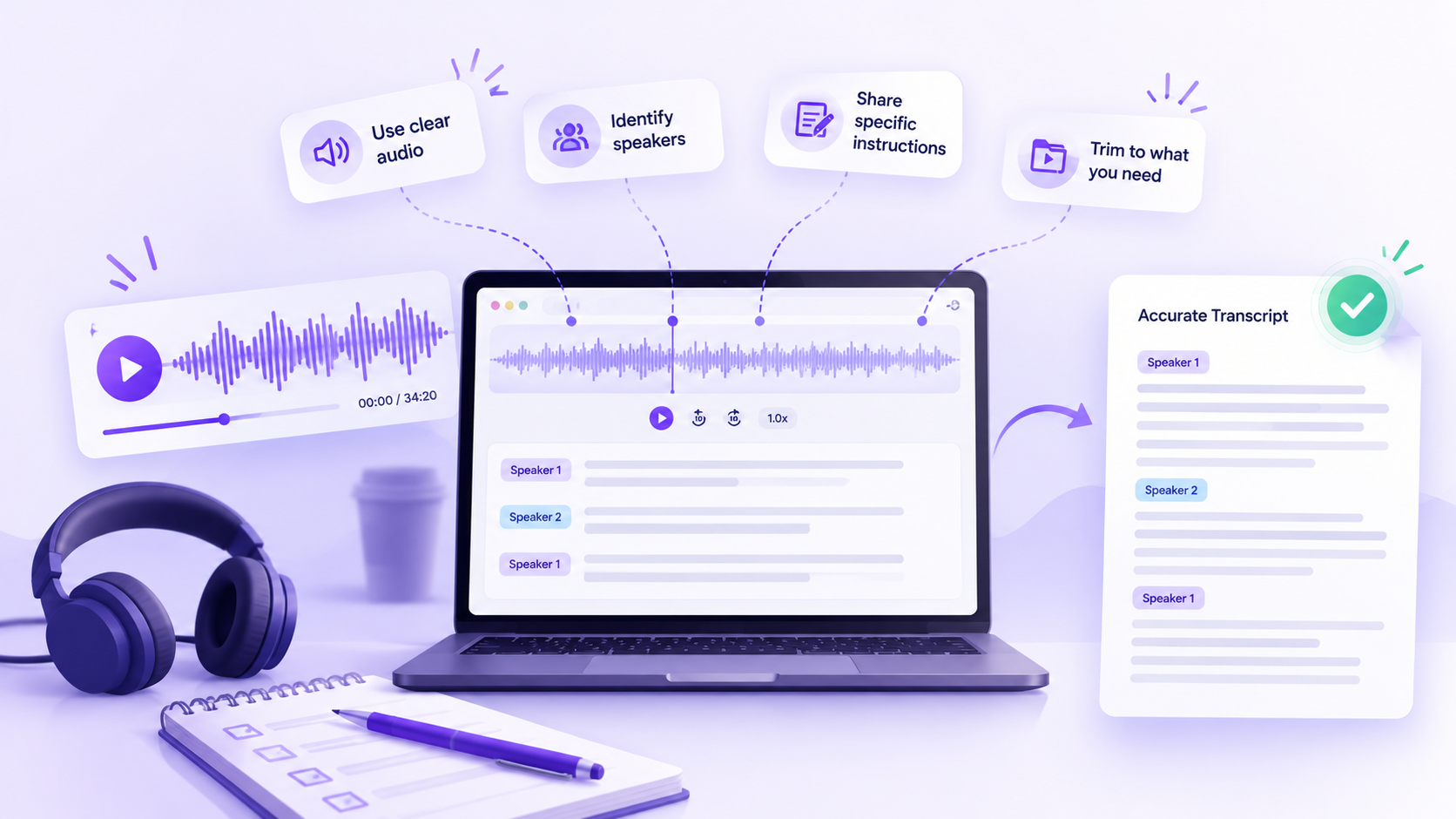
Transcription Tips for Better, More Accurate Transcripts
Good transcripts start with more than good transcription. The quality of the final transcript also depends on the instructions you provide, the quality of the audio, the complexity of the recording, and the review process. Whether you need transcripts for interviews, meetings, podcasts, research, customer calls, or legal proceedings, a few simple steps can make…
-
Review with Gemini: A Private, In-Platform Way to Do Transcript Review
We’re introducing a new way to handle transcript review inside Scribie: Review with Gemini. It brings AI-assisted checks directly into the Scribie Editor, so you can customize and refine a transcript without ever copying it into an outside tool. If you have ever pasted a transcript into a third-party chatbot to reformat or adjust it,…